
How to Search for a Warrant in Matagorda County
There is no single Matagorda County public warrant search. The county’s Public Records page links Judicial Records and Jail Records. Judicial Records leads to Tyler/Odyssey, but the county does not say that portal contains every lower-court or city warrant. The Sheriff page lists service duties and a general number, not a warrant roster.
Begin with the court printed on a ticket or notice. A Bay City city citation belongs with Bay City Municipal Court; a Palacios city ticket belongs with Palacios Municipal Court. Sheriff or state-trooper citations often go to a JP precinct. For felony records ask the District Clerk; for County Court misdemeanor records ask the County Clerk. Give identifying details only through the official channel.
- Identify the court, citation or cause number, and approximate date.
- Use the county Judicial Records link as a case-record lead, not a complete warrant list.
- Call the issuing JP or municipal court when the matter is a traffic or Class C case.
- Call the clerk or Sheriff for the record or service question that matches that office.
- Ask the issuing court what appearance, bond, payment, or legal motion is required.
Matagorda County Odyssey Search
The county links to Odyssey Public Access for judicial records. The dynamic portal was not accessible during the official-source review, and no warrant-specific search fields were documented. A cause-number search may help locate a case, but the public site does not promise coverage of every JP and municipal docket.
Do not infer status from the portal alone. Ask the clerk to distinguish the case entry, the signed warrant, service return, and any later recall or quash order. A court record can be current while a sheriff or separate FTA/FTP system still needs an update.
Open the official Odyssey index to see the portal’s available search controls.
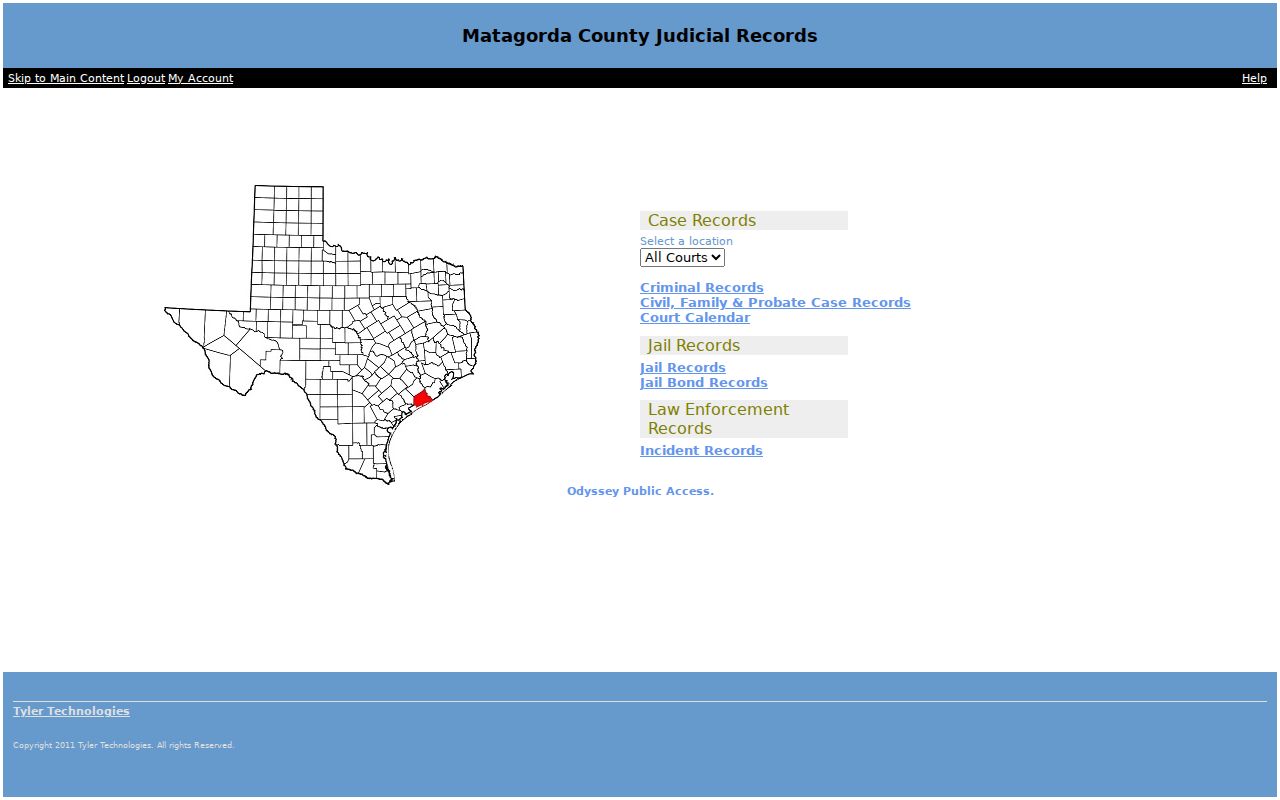
The county’s linked landing page is the official entry point for judicial records. Confirm a warrant question with the court that issued it.
Matagorda County Warrant Search Fields
No public Matagorda warrant form with name, date-of-birth, or warrant-number fields was located. The county portal’s search controls were not viewable during research. The table records what is known about each official route, including where field details are not published. Do not treat unavailable fields as instructions to send personal data to an unverified site.
| Field Label | Type | Required | Notes |
|---|---|---|---|
| Odyssey Judicial Records | Dynamic web form | Not confirmed | Official county link; search fields could not be viewed and no warrant-only index is claimed. |
| County Jail Records | Dynamic web form | Not confirmed | County portal is for jail records, not a complete warrant list. |
| JP or city court | Clerk contact | Clerk advises | Give the citation or case number and ask which identifying details are needed. |
| County PIA | Written request | Written description | Name the agency, date range, record type, and known case identifier. |
Matagorda County Clerk Routes
District Court felony records go through District Clerk Janice L. Hawthorne at Room 307, 1700 7th Street, Bay City, phone 979-244-7621. County Court misdemeanor records go through County Clerk Stephanie Wurtz at Room 202, same courthouse address, phone 979-244-7680. Both offices list weekday hours of 8 a.m. to 5 p.m. with a noon lunch closure.
For a lower-court citation, call the JP or city court named on the paper. Do not use a sample number or assume a countywide warrant format: research did not verify one. A court or clerk can tell you what identifier and record type it needs.
District Clerk records and County Clerk records follow different court files. Ask the office to route you if the case is filed elsewhere.
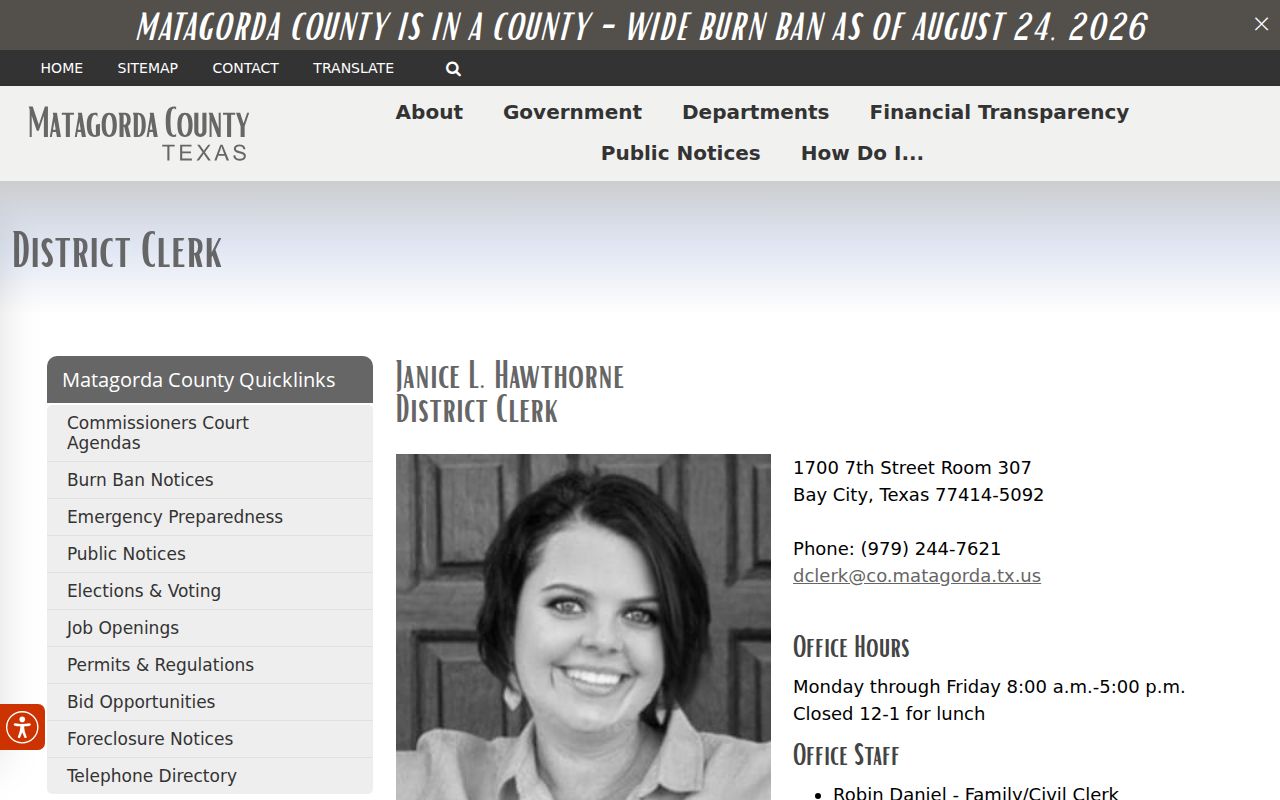
The District Clerk page identifies the criminal-record contact and office location.
Consult the County Clerk page for its separate criminal-record office details.
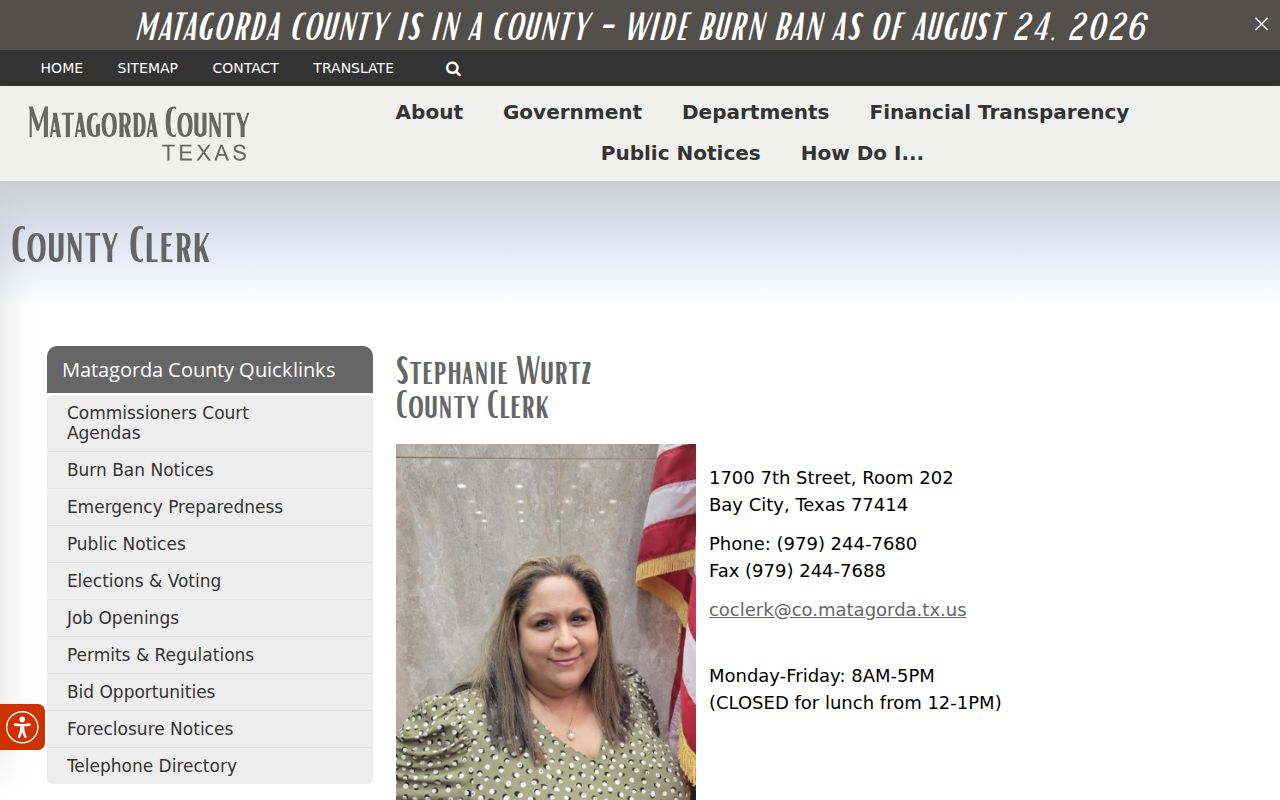
The County Clerk page has a separate criminal-record route for County Court files.
What a Matagorda County Warrant Search Returns
No accessible sample Matagorda warrant listing showed a complete field set. Treat the rows as questions for the court, not as fields guaranteed to appear online. A date attached to a complaint, docket setting, warrant, arrest, or recall can refer to a different event.
| Cause / citation number | Use the identifier the court confirms; a warrant-specific format was not verified. |
|---|---|
| Process type | Ask whether it is an arrest warrant, bench warrant, capias, or capias pro fine. |
| Charge / trigger | Confirm the offense or missed court/fine obligation with the issuing clerk. |
| Issuing court | District, County, JP precinct, Bay City Municipal, or Palacios Municipal Court. |
| Bond / balance | Ask the current amount and what it resolves; no countywide schedule was found. |
| Status | Confirm active, served, recalled, quashed, or cleared directly with the court. |
Matagorda County Search Results
A name match is a lead, not a verified current order. Ask the court whether a warrant was issued, whether it was served or recalled, and whether a later order changed the status. The Sheriff can discuss service routing, but the issuing clerk controls the court record.
There is no public countywide “no warrant” certificate. A missing result may reflect a different court, an inaccessible portal, a sealed record, a recent update, or a juvenile record that is confidential. Record the source and date of any search, then call the office responsible for that case.
Where Matagorda County Warrants Are Checked
Use the court layer that fits the case. The 23rd and 130th District Courts handle felony cases; the County Court handles misdemeanors. JP1, JP2, JP3, JP4, and JP6 handle many traffic and fine-only cases. Bay City and Palacios each keep municipal records. A sheriff’s general number, 979-245-5526, is for service routing; the jail, 979-241-3275, answers custody questions.
Texas has no single public statewide warrant lookup. OmniBase tracks qualifying FTA/FTP reports from participating courts and can affect driver-license renewal, but it does not provide warrant information. For a broader local request, use the county’s written PIA procedure after checking ordinary clerk records.
OmniBase Is Not a Warrant Search
Texas DPS and OmniBase describe a Failure to Appear/Failure to Pay program for participating courts. A qualifying report may block a license renewal until the court reports compliance. The program does not require that a warrant be issued, does not include every court, and does not tell a caller whether an arrest warrant exists.
For an FTA/FTP hold, contact the reporting court first, then follow the official DPS program instructions or OmniBase individual guidance. The instructions describe a three-to-five-business-day update period in relevant cases; ask the court when it sends its notice.
Access and Restricted Warrants
The Texas Public Information Act applies to government-held records, but it does not erase court seals, juvenile confidentiality, or law-enforcement exceptions. Some docket information may be open while an affidavit or investigative detail is withheld. Ask for the non-exempt portion and the legal basis for any denial.
Key Rules:
Texas Government Code §552.108 may protect qualifying information when release would interfere with an investigation or prosecution.
Texas Family Code §58.010 makes a child’s arrest warrant and supporting complaint or affidavit confidential, subject to limited legal access.
A sealed, recent, or court-specific order may not appear in a public portal. No result is not a no-warrant certificate.
Matagorda County PIA Requests
The county says a Public Information Act request must be in writing; a telephone request does not count. Use the county PIA policy to request a non-exempt record that is not available through ordinary clerk services. Include the office, date range, record type, and any cause or citation number. Mail or hand-delivery is listed for Matt Sloan, County Attorney, 1700 7th Street, Room 305, Bay City, TX 77414; fax is 979-244-7647.
The county lists pir@matagordatx.gov for electronic requests, but the page rendering has a formatting error, so verify the address first. Charges follow Chapter 70 of the Texas Administrative Code; the county says a written itemized estimate is provided when charges reach $40. No warrant-specific fee or response time is published.